
No ads. Ever.
Not in the app, not on this site, on no plan.
Tasks · Notes · Events · Documents · Scratchpad
One app for your tasks, notes, calendar, files and a scratchpad, on every device you use. Free on one device, with no account.
No ads Windows, macOS, Linux, Android, iOS and the web Plans from €4.99 a month
Not in the app, not on this site, on no plan.
The whole app, with no account and no restrictions, when your work lives on one device.
An account carries your work between your devices and to the people you share with.
TASKjiq does not analyze, sell, or give your data away — on the free tier or on any paid one.
Interface previews
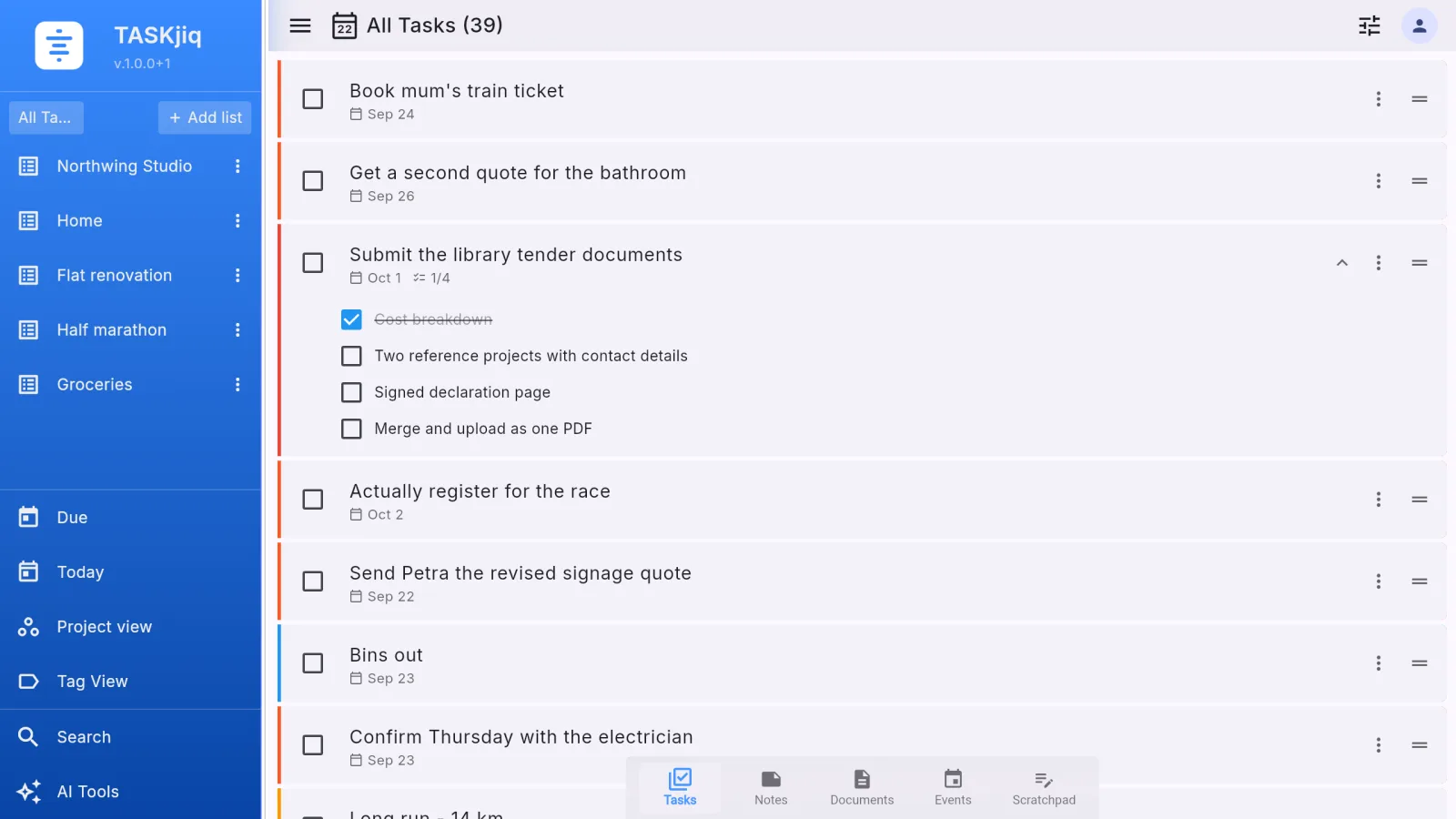
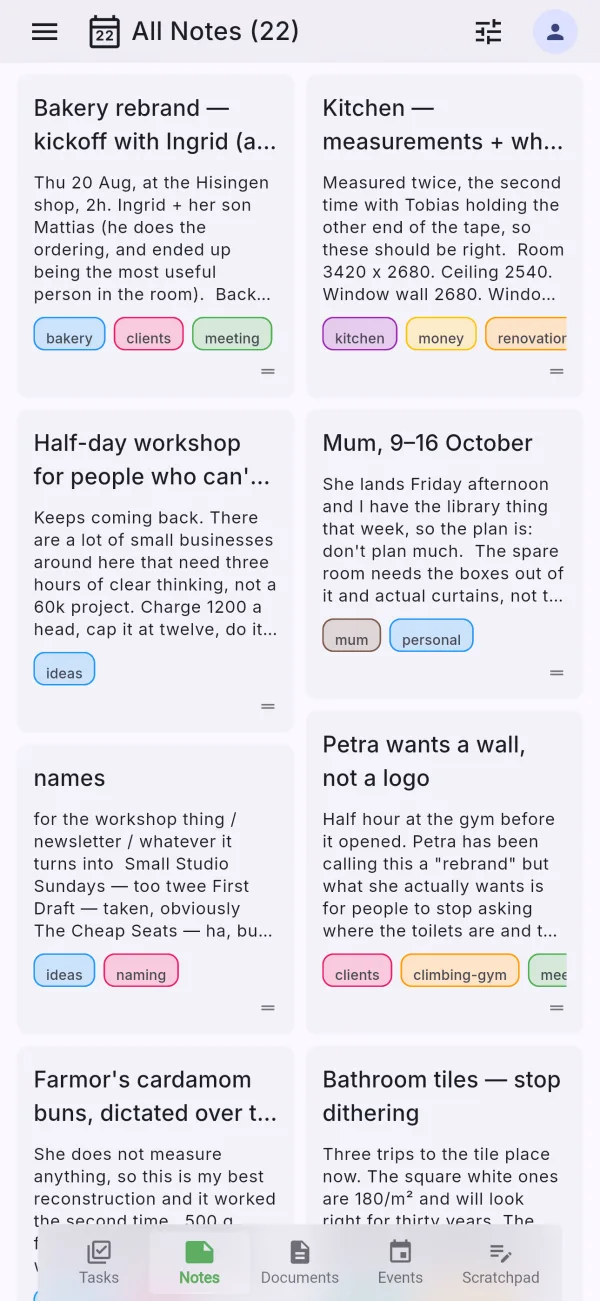
The app keeps the same structure everywhere: a left menu, floating controls, compact rounded surfaces, and a colour per module so orientation is obvious.
Across every module
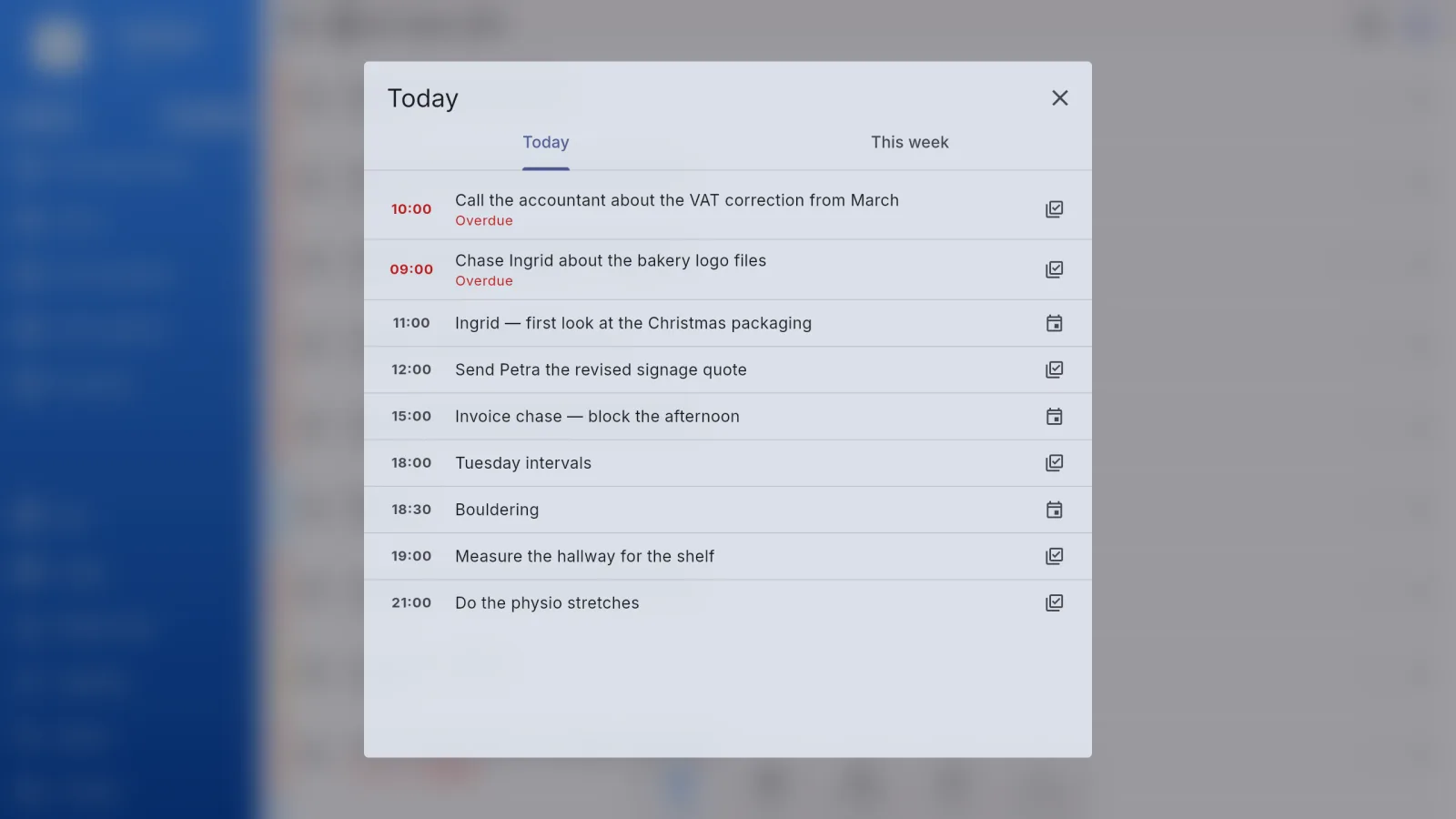
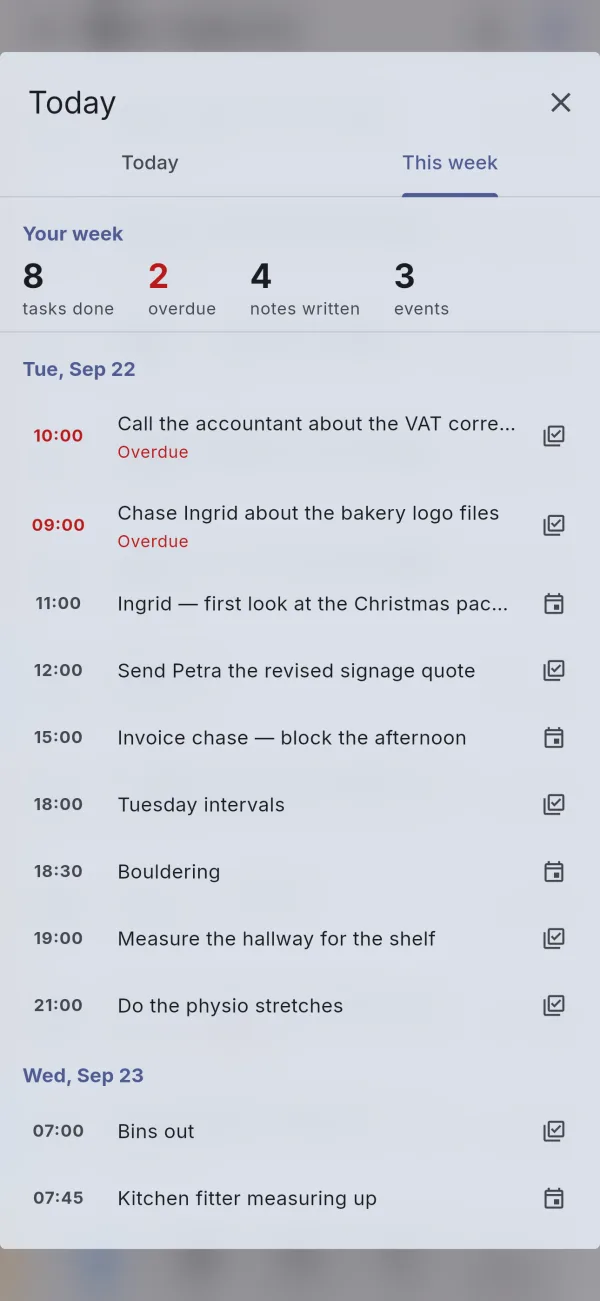
Today, search, links, templates, quick capture, and a command palette work the same way in tasks, notes, events, documents, and scratchpad. The full list is on the modules page.
Events and tasks on one timeline, overdue first. A calendar glyph in the top bar; long-press for the week.
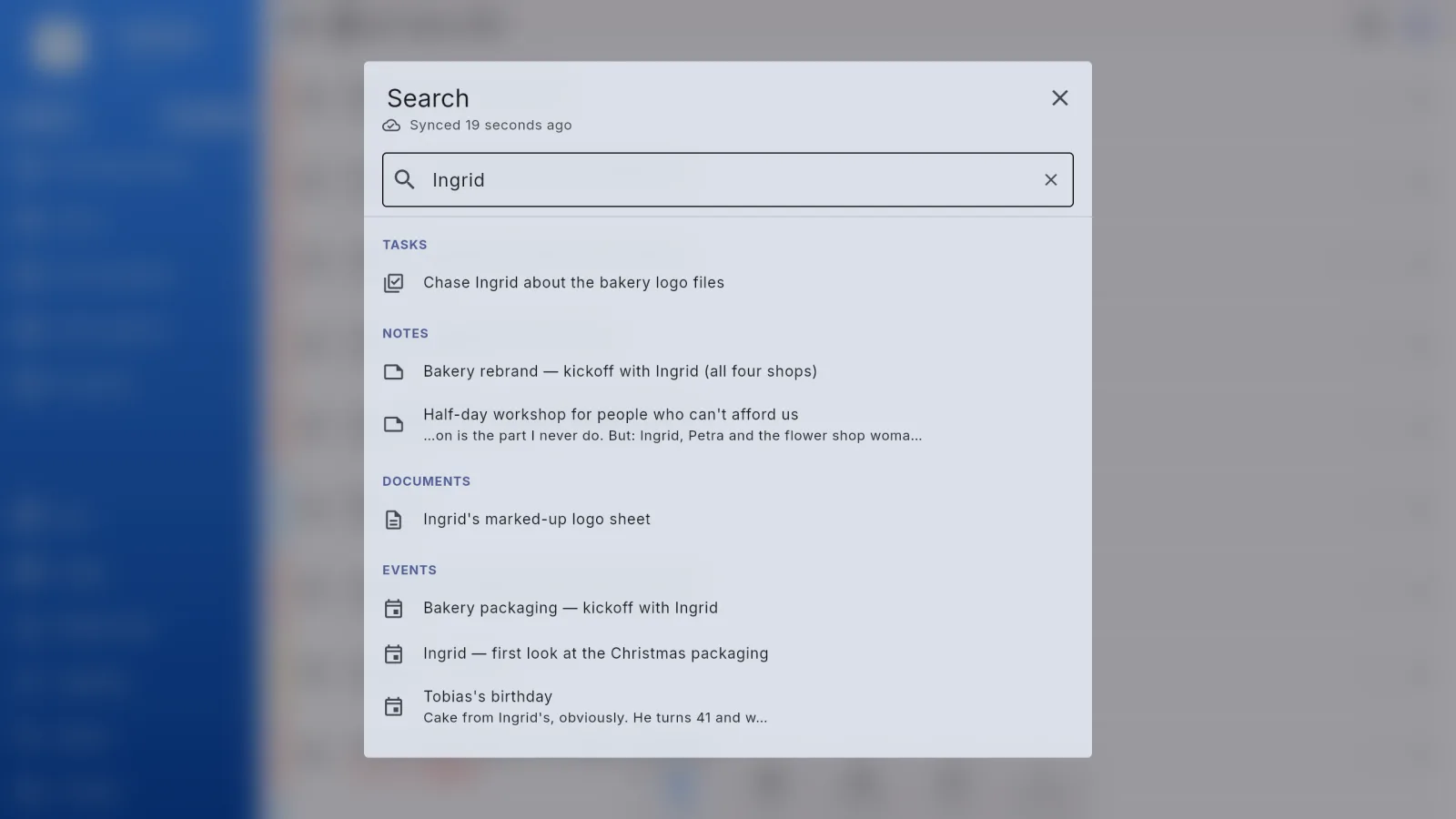
One search across tasks, notes, documents, events, and scratchpad pages, grouped by module, the current one first. Swipe left on a phone, Ctrl/⌘+F on a desktop.
A task can point at the note that explains it or the event it came from. Links show from both ends and survive a deleted target by saying so.
Save a task or a note as a starting point and apply it when creating the next one.
Type first, choose the destination after. From the + button, from the home-screen widget, from anywhere.
Ctrl/⌘+K opens a palette of commands and content. Every command shows its shortcut, which is how anybody learns one.
Detailed pages
Modules
Tasks, notes, events, documents and scratchpad each keep their own strengths, and work as one app.
AI
Summaries, drafts, and turning a note or an event into tasks — where it saves time, never as a chatbot pasted over everything.
Sync
Windows, Linux, macOS, Android, iOS, and web. Paid plans carry the same workspace between them and share lists with other people.
Pricing
Six plans in euro, VAT included, monthly or yearly at about the price of ten months. The app itself is free on one device.
More to come
A short list of what is under way. Nothing on it is a maybe.
Privacy and security
Turn it on, and signing in on a new device also asks for a code from an authenticator app on your phone. Your password alone is no longer enough to get into your account.
Lock TASKjiq itself with Face ID, Touch ID, a fingerprint, or Windows Hello, with a PIN as a backup. It locks again whenever it has been in the background for a while.
Privacy
No ads and no trackers. Your data is never analysed, sold or given away.