
Desktop
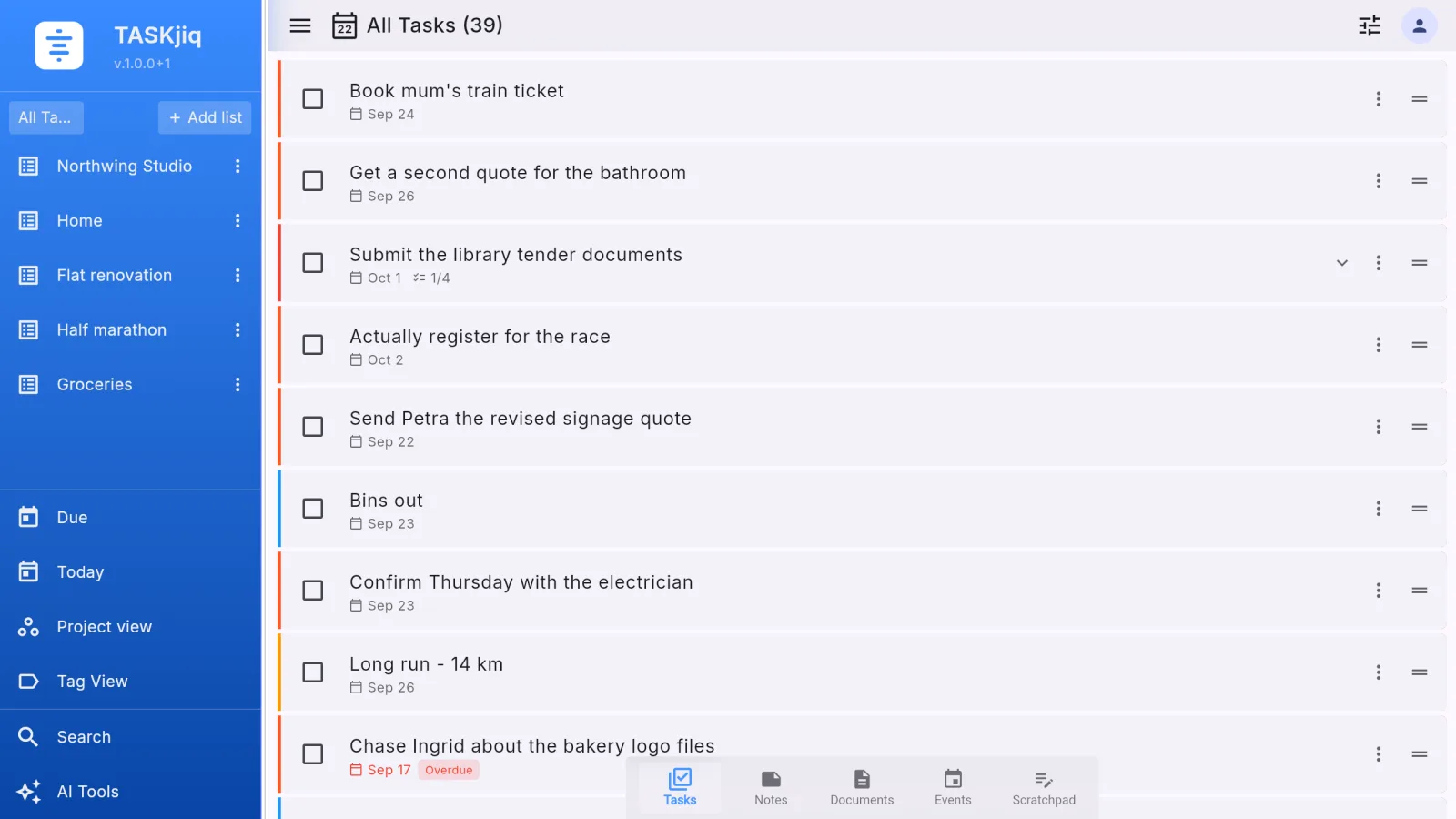
Windows, Linux, and macOS keep the main workspace available where heavier planning and document work happen. Keyboard shortcuts, a command palette, a resizable menu, and a tray icon so reminders reach you while the window is closed.
Sync and sharing
TASKjiq is built for Windows, Linux, macOS, Android, iOS, and the web. Without an account it is the whole app on one device. With an account and a plan, the same lists, notes, files, events, and scratchpad pages follow you, and a list can be shared with the people who work on it.
Platforms
Windows, Linux, and macOS keep the main workspace available where heavier planning and document work happen. Keyboard shortcuts, a command palette, a resizable menu, and a tray icon so reminders reach you while the window is closed.
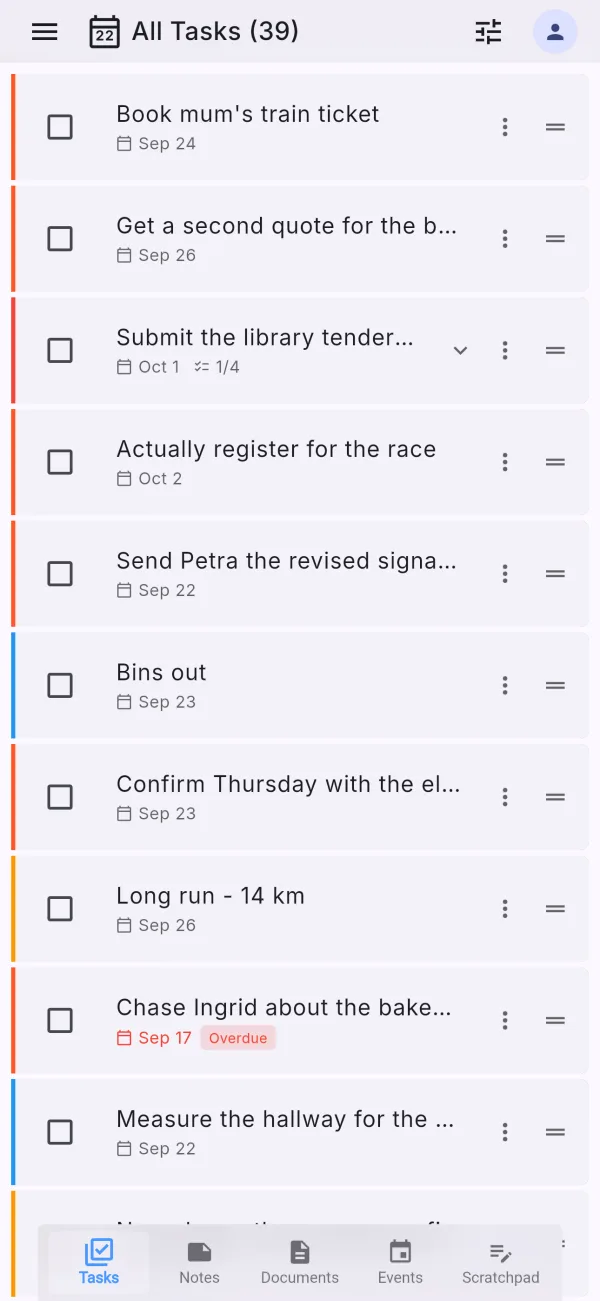
Android and iOS keep capture, review, and quick follow-up available when ideas show up away from the desk. Swipe gestures, dictation, camera capture, reminders with actions, and a home-screen widget.
The same app in a browser at my.taskjiq.app, for the machine you do not install on.
Why sync matters
The same lists, notes, files, events, and scratchpad pages on every device you sign in on. Edits merge; the newer one wins, and nothing is lost to a stale copy.
Without an account the app is the whole app — every module, no ads, no time limit. It simply stays on that device.
Sync, shared lists, and AI all need the server, so they all come with a plan. There is no free account: when you create one, you choose a plan, and until it is paid the account cannot sync or share.
Reminders arrive on the device you are holding, not on all of them at once, and Done on the notification is Done everywhere.
Shared lists
Task, note, and document lists can be shared by email. Sharing needs an account with a plan on both ends — the list lives on the server and each member keeps a synced copy.
Tasks, notes, or documents. The invitee gets an email and an entry in the app’s invitation inbox; accepting copies the list — files included — into their own account.
Every task in a shared list can carry an assignee. Filter to what is assigned to you; the notification says "Ana assigned you 1 task", not "something changed".
Only the owner renames, recolours, deletes, or changes the members of a shared list. A member who leaves keeps nothing; the owner can revoke anyone; archiving is personal.
Membership is created by accepting an invitation and by nothing else. A list cannot be joined by guessing, and a revoked member cannot come back without a new invitation.
Typical flow
Map out the week on the calendar, drag tasks in as time blocks, and review larger lists where screen space helps.
Quick capture, the widget, dictation, camera, and event drafts when speed matters more than polish.
Paid sync is where those moments become one continuous flow instead of several disconnected copies of the same work.
What an account is
Using TASKjiq without an account is free and complete. Creating an account means choosing a plan — and an account that never gets one closes, the same way an account whose card stopped working would.
A code arrives by email. The account is created once you enter it.
The app asks for one at the first sign-in. You can close the picker and keep working locally, but the account cannot sync or share until a plan is paid.
An account left without a plan is closed after a week — you are told by email before and after. It is the same grace period a failed card gets, with the same emails.
Nothing is taken away for seven days while the card is retried. If it still fails, the account closes but the data is kept for 180 days; paying again restores everything, exactly as it was.
Privacy and security
Turn it on, and signing in on a new device also asks for a code from an authenticator app on your phone. Your password alone is no longer enough to get into your account.
Lock TASKjiq itself with Face ID, Touch ID, a fingerprint, or Windows Hello, with a PIN as a backup. It locks again whenever it has been in the background for a while.
Next step